
The SteelSeries Apex Pro TKL arrives as a compact, premium tenkeyless keyboard aimed at gamers and professionals who want a solid mix of build quality, responsive switches, and programmable features. At around $190, it sits on the higher end of the market, so expectations for materials, feel, and software polish are reasonable. Below is a practical breakdown of what matters most: what’s in the box, physical design, controls and shortcuts, switches and keycaps, typing experience, lighting and customization, and who this keyboard suits best.
Table of Contents
- What you get out of the box
- Design and build quality
- Controls and quick access features
- Wrist rest that stays put
- Keycaps and switches: textured, concave, and optical
- Typing experience and sound
- RGB and software customization
- Pros and cons at a glance
- Who should buy the Apex Pro TKL?
- Does the keyboard include a wrist rest?
- What type of switches does the Apex Pro TKL use?
- Can I customize lighting and macros directly on the keyboard?
- Is the keyboard wireless?
- Is the keyboard durable and solidly built?
- Final thoughts
What you get out of the box
Unboxing the Apex Pro TKL reveals a straightforward bundle focused on utility and comfort:
- The compact Apex Pro TKL keyboard
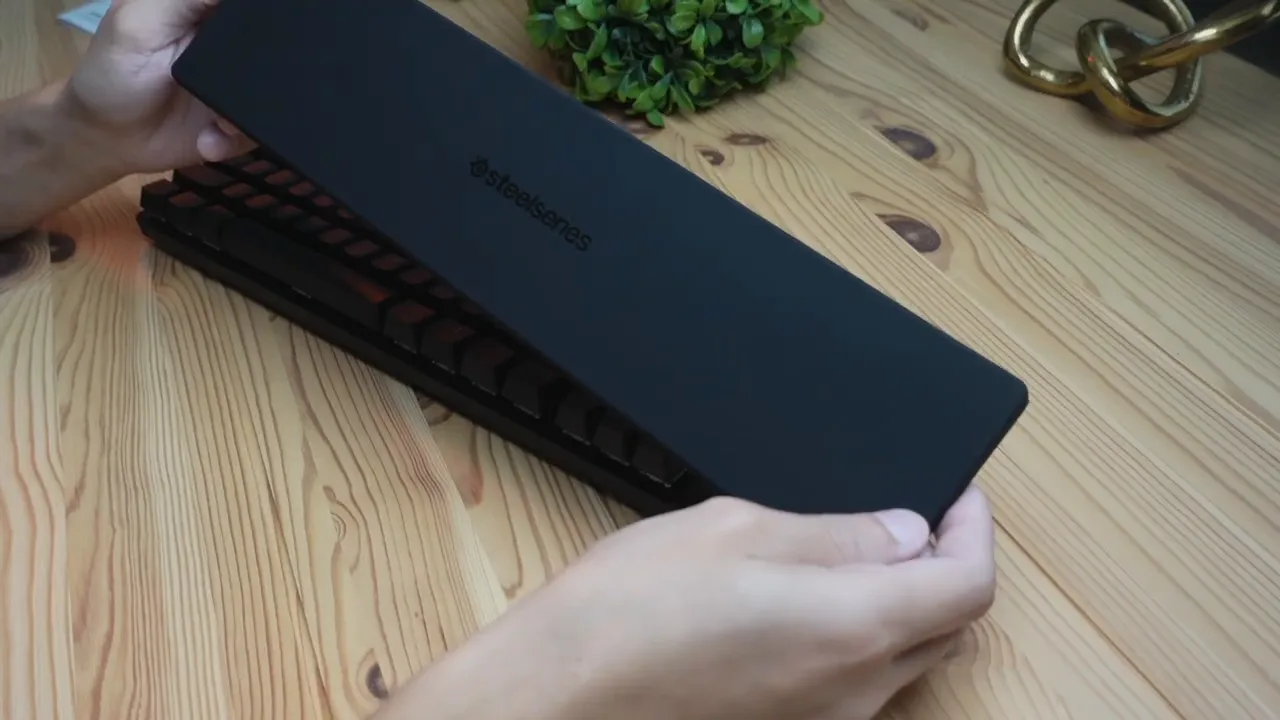
- A smooth, rubberized wrist rest with magnetic attachment
- A high-quality USB-C to USB-A braided cable
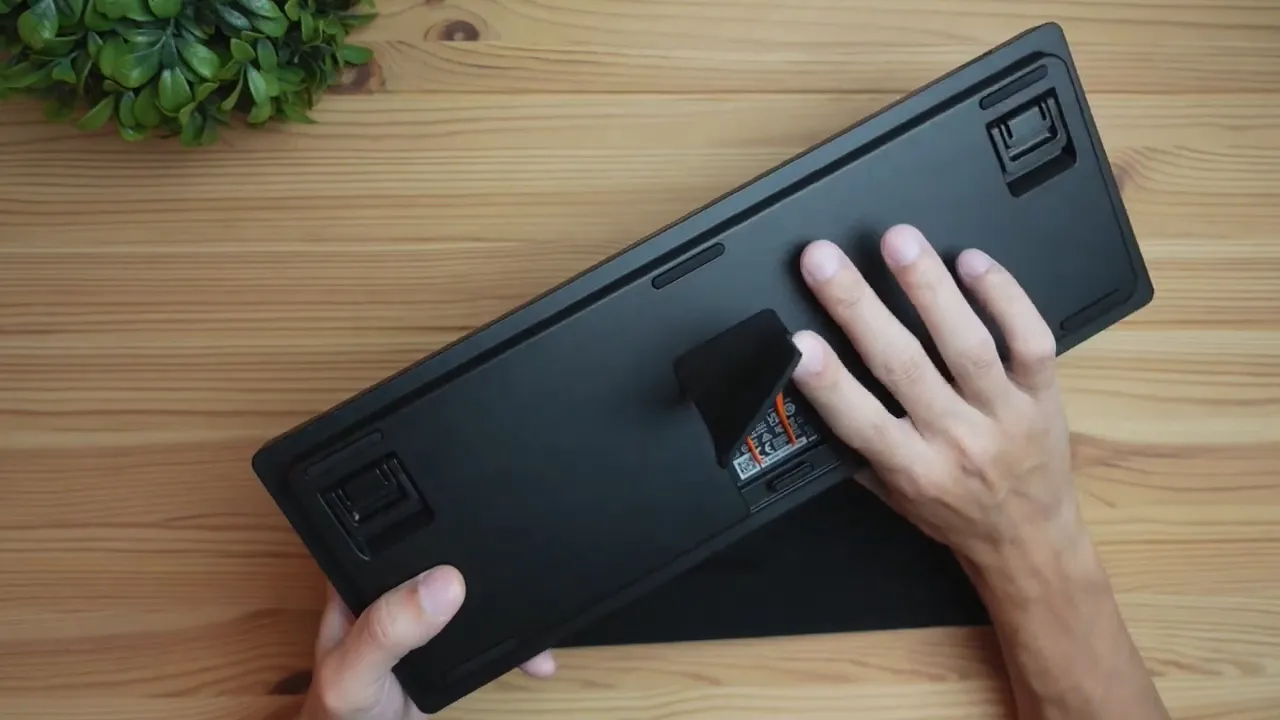
- An instruction manual and a built-in keycap puller stored under the keyboard
Design and build quality
First impressions are dominated by a clean, minimalist aesthetic. It’s a low-profile board and intentionally “not over the top gamery.” The entire unit keeps to a tight black-on-black palette that looks sharp and understated. The chassis feels heavy and rigid. A bend test shows almost no flex, which reinforces the sense that this is a well-made, premium keyboard rather than a lightweight plastic toy.
Flip the keyboard over and the practical details continue: multiple rubber feet for grip, extendable legs for angle adjustment, and a small compartment that houses a keycap puller for quick cleaning or basic modding.
Controls and quick access features
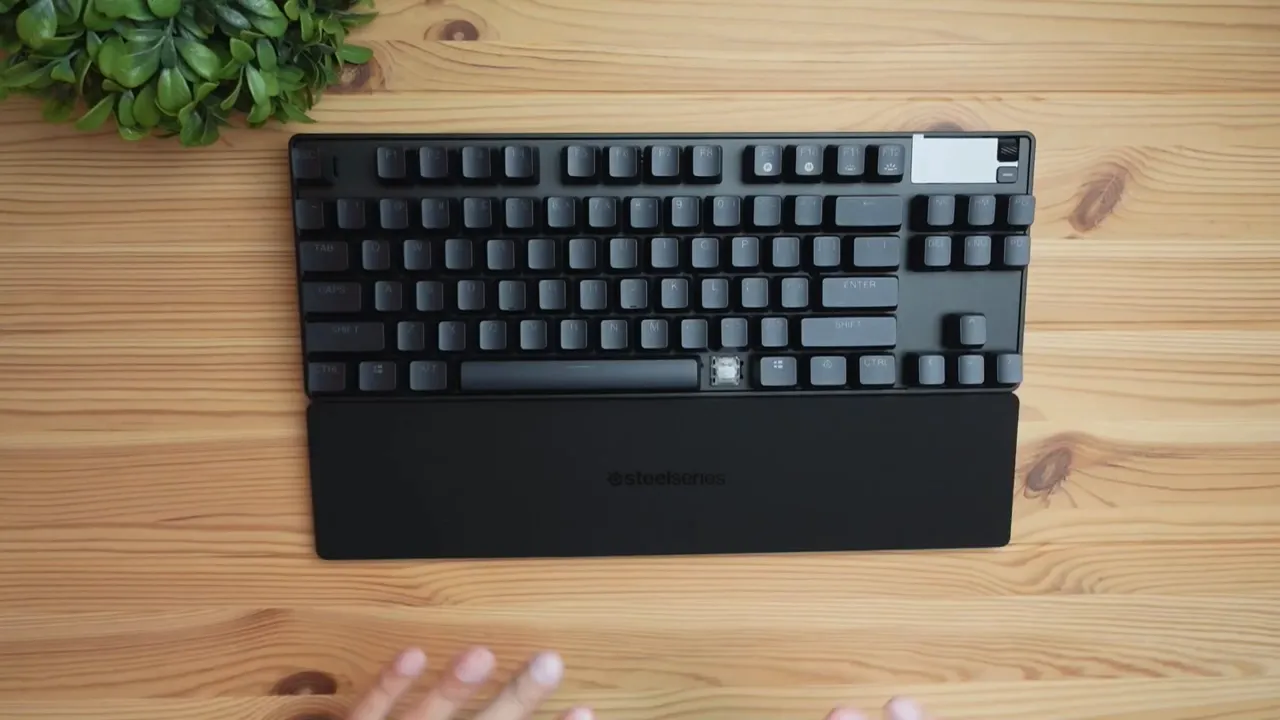
The Apex Pro TKL places a handful of thoughtful controls within easy reach. Alongside the standard keys you get:
- A volume knob for instant audio adjustments
- A shortcut button that can be customized to launch actions via the SteelSeries software
- A small status display next to the controls that activates on use
- F9 through F12 mapped to profile switching, macro recording, and lighting adjustments
The profile switch is useful for swapping key layouts or macros depending on the game or task. Macro recording is handled on the fly with a single key for quick capture and save. Lighting brightness can be adjusted directly from the keyboard using the SteelSeries key plus F11 or F12; holding the combo increases or decreases brightness continuously rather than toggling in steps.
Wrist rest that stays put
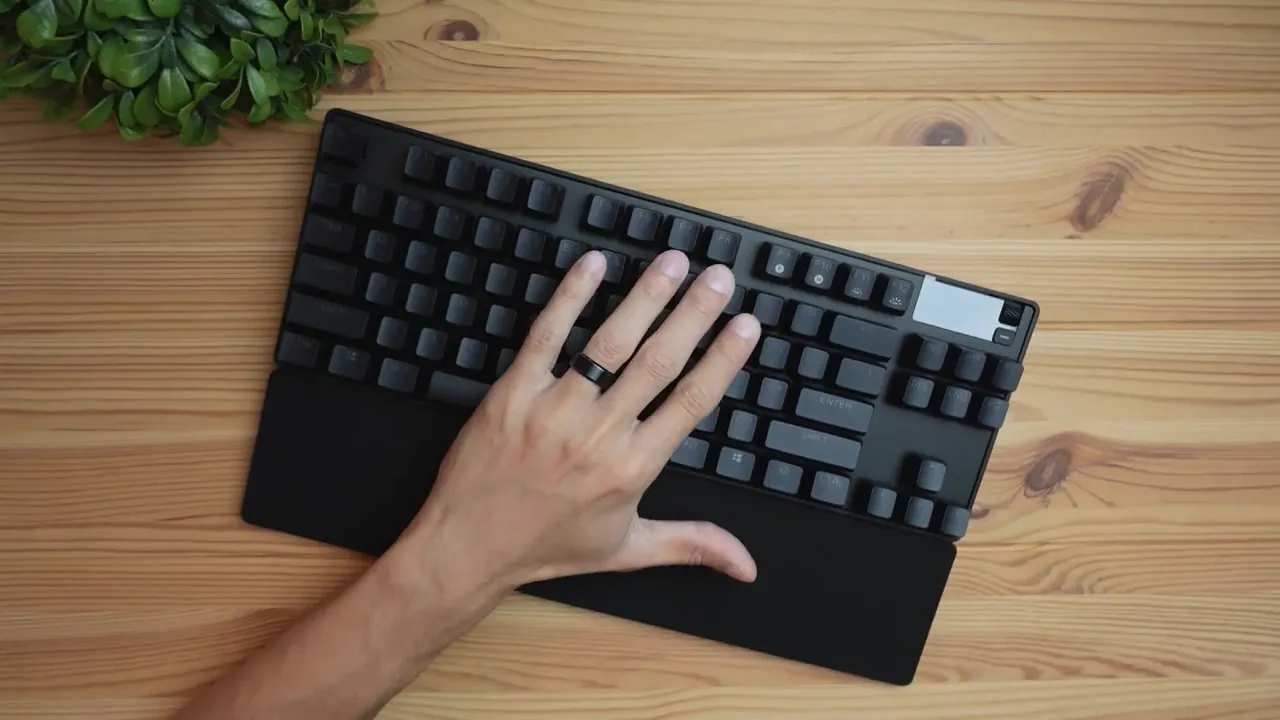
A small but impactful detail is the wrist rest attachment. Magnets on the edges keep it securely aligned and prevent sliding. The finish is rubberized and smooth, offering comfort during longer sessions without distracting patterns or gaudy branding—just a subtle SteelSeries logo.
Keycaps and switches: textured, concave, and optical
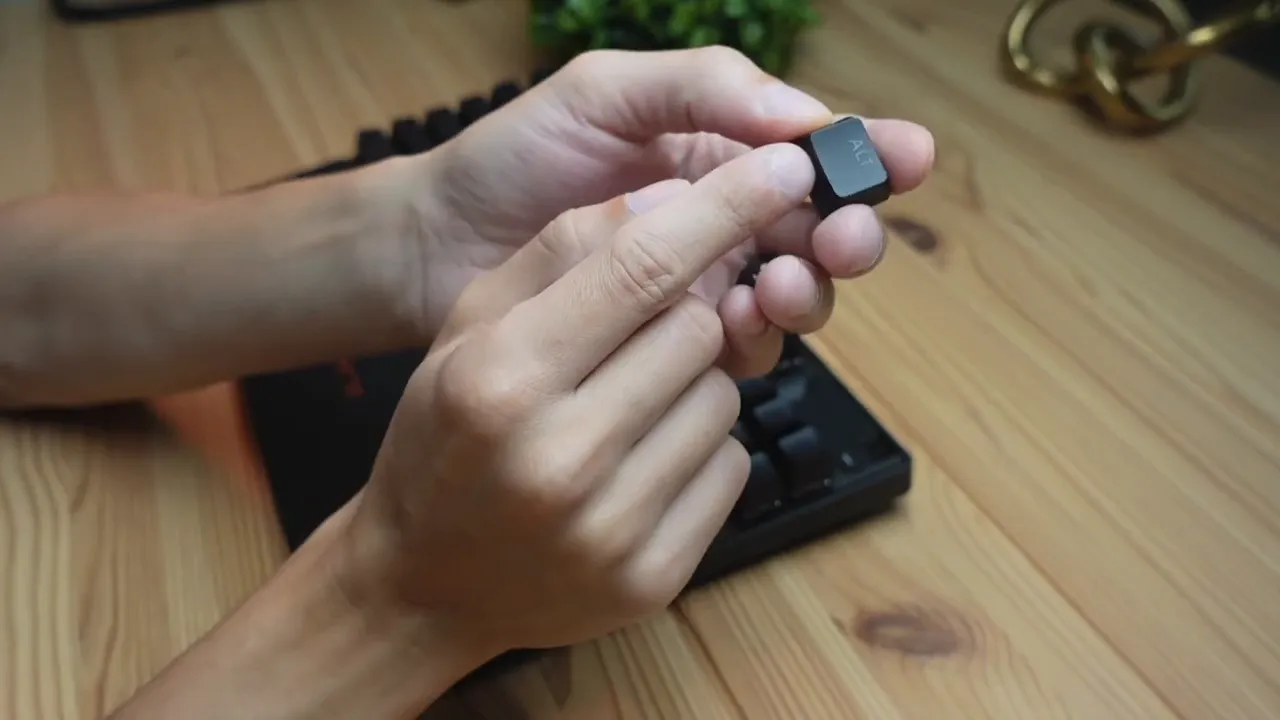
The keycaps are higher quality than expected at this price point. They feature a concave profile that cradles fingers with a gentle arch, plus a bit of texture on the top surface to help grip keys during fast typing or intense gaming. These are not thin, glossy caps that wear quickly.
Underneath the caps are SteelSeries’ white optical switches. These are not classic mechanical switches nor membrane switches; they use optical actuation for speed and durability. Their feel leans toward a quiet, linear Brown-like profile—light tactile resistance but not noisy. If you prefer a keyboard that is discreet in shared spaces, these switches are a good choice.
Typing experience and sound
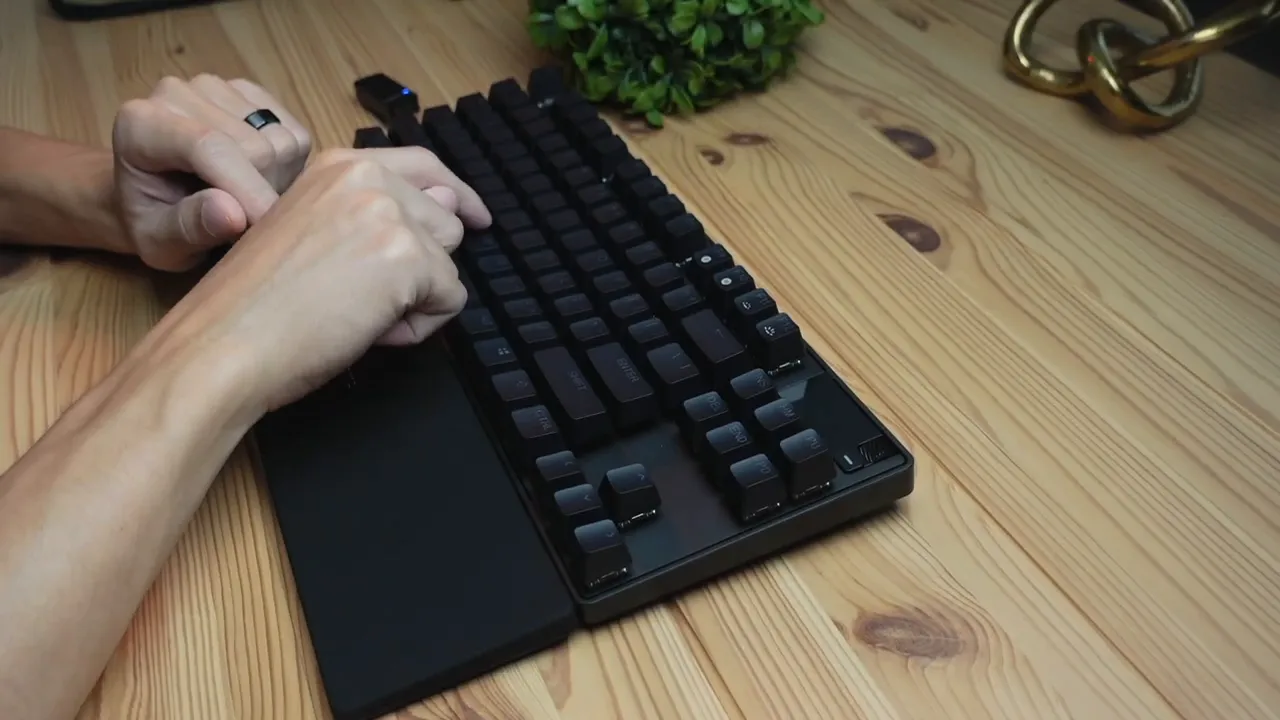
Typing feels premium. The board does not sound cheap or tinny; instead it produces a muted, refined tone that matches the build quality. The optical whites give a fairly smooth and quiet typing experience, with enough feedback to be comfortable for long typing sessions while still being discreet.
RGB and software customization
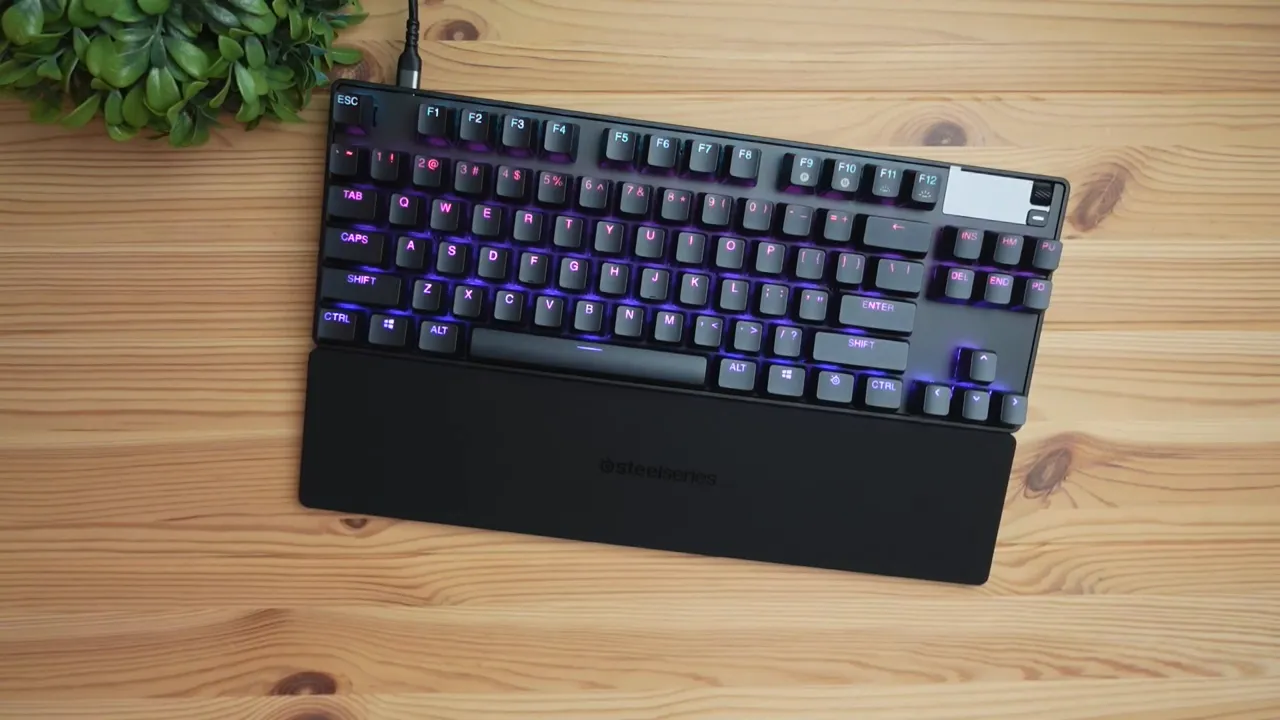
Out of the box, the default RGB setup is a pleasing gradient that moves from purple to blue. On-device customization is intentionally limited—brightness is adjustable directly on the keyboard, but deeper customizations require the SteelSeries software. That software unlocks profile management, full RGB control, macro programming, and reassignment of the shortcut key and knob functions.
For users who want full control over lighting zones, animated effects, and game-linked lighting, installing the software is recommended. For those who prefer a simple setup, the keyboard still looks great with the default scheme and the quick brightness controls are convenient.
Pros and cons at a glance
- Pros: Solid build quality with minimal flex, high-quality keycaps, comfortable magnetic wrist rest, optical switches that are fast and quiet, useful media controls, and a clean aesthetic.
- Cons: No wireless option, customization beyond brightness requires software, and the price sits in the premium bracket where competition is fierce.
Who should buy the Apex Pro TKL?
This keyboard is a good match for users who value a premium tactile experience without flashy styling. It fits well on the desks of gamers who want fast, consistent actuation and professionals who need a quiet, durable keyboard for long typing sessions. The lack of wireless could be a downside for those who prefer a clutter-free desk, but the braided cable and build quality help justify the premium price for many buyers.
Does the keyboard include a wrist rest?
Yes. A smooth, rubberized wrist rest with magnetic edges is included. The magnets keep the rest securely attached to prevent shifting during use.
What type of switches does the Apex Pro TKL use?
It uses SteelSeries optical white switches. They act like quiet, linear Brown-style switches: responsive, smooth, and less noisy than many tactile switches.
Can I customize lighting and macros directly on the keyboard?
Basic lighting brightness and quick adjustments can be made directly using the SteelSeries key and F11/F12. For full RGB customization, macro programming, and profile management, the SteelSeries software is required.
Is the keyboard wireless?
No, the Apex Pro TKL is wired only and connects via a braided USB-C to USB-A cable provided in the box.
Is the keyboard durable and solidly built?
Yes. The chassis has substantial weight and shows minimal flex. The overall construction feels premium, and the built-in keycap puller and secure rubber feet add to daily practicality.
Final thoughts
The Apex Pro TKL is a thoughtfully designed, premium tenkeyless keyboard that prioritizes build quality, a discreet aesthetic, and a quiet but responsive switch experience. At a roughly $190 price point, it aims squarely at users who want performance and polish rather than gimmicks. If you prefer a minimal, sturdy board with solid typing feel and reliable RGB, this model deserves consideration.
For anyone who wants deeper configuration, the companion software unlocks the full potential of profiles, macros, and lighting. For users who prefer plug-and-play simplicity, the default tuning and brightness controls make this keyboard perfectly usable right away.
Want a closer look?
Check out hands-on photos and test the typing feel in person if possible. The combination of optical switches, quality keycaps, and practical controls makes this one of the stronger TKL options in its price bracket.


