Quick overview
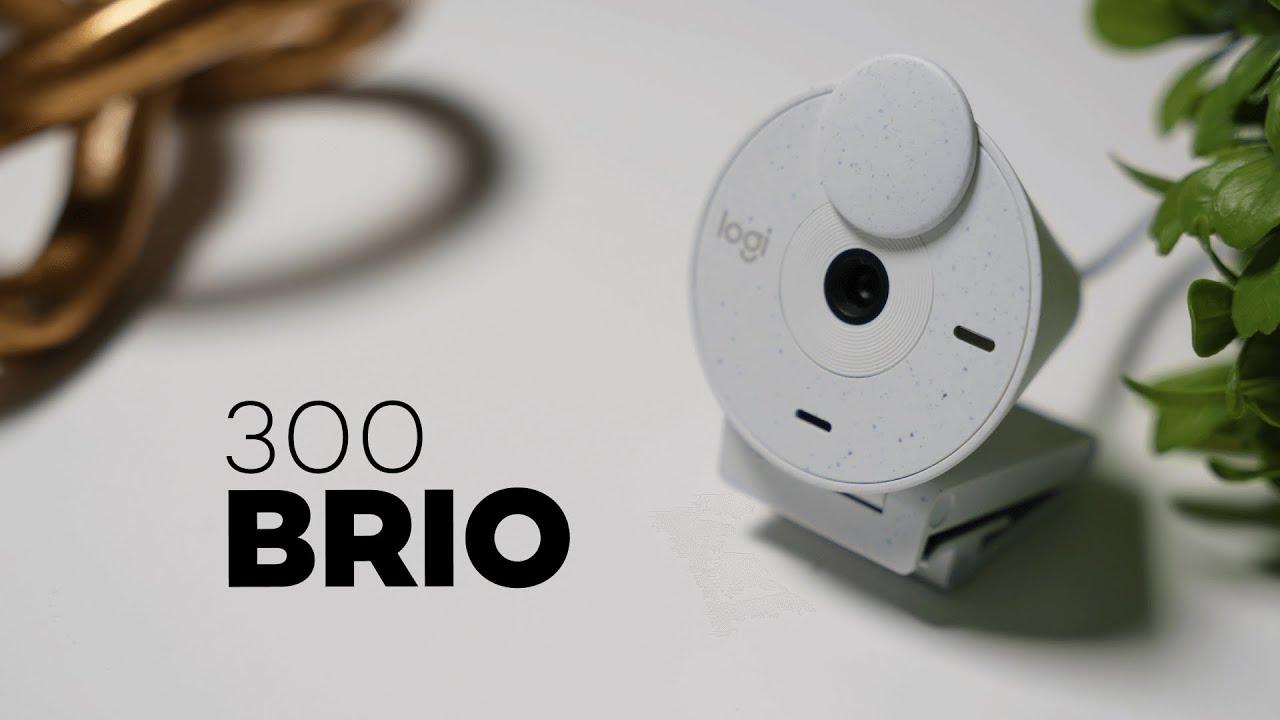
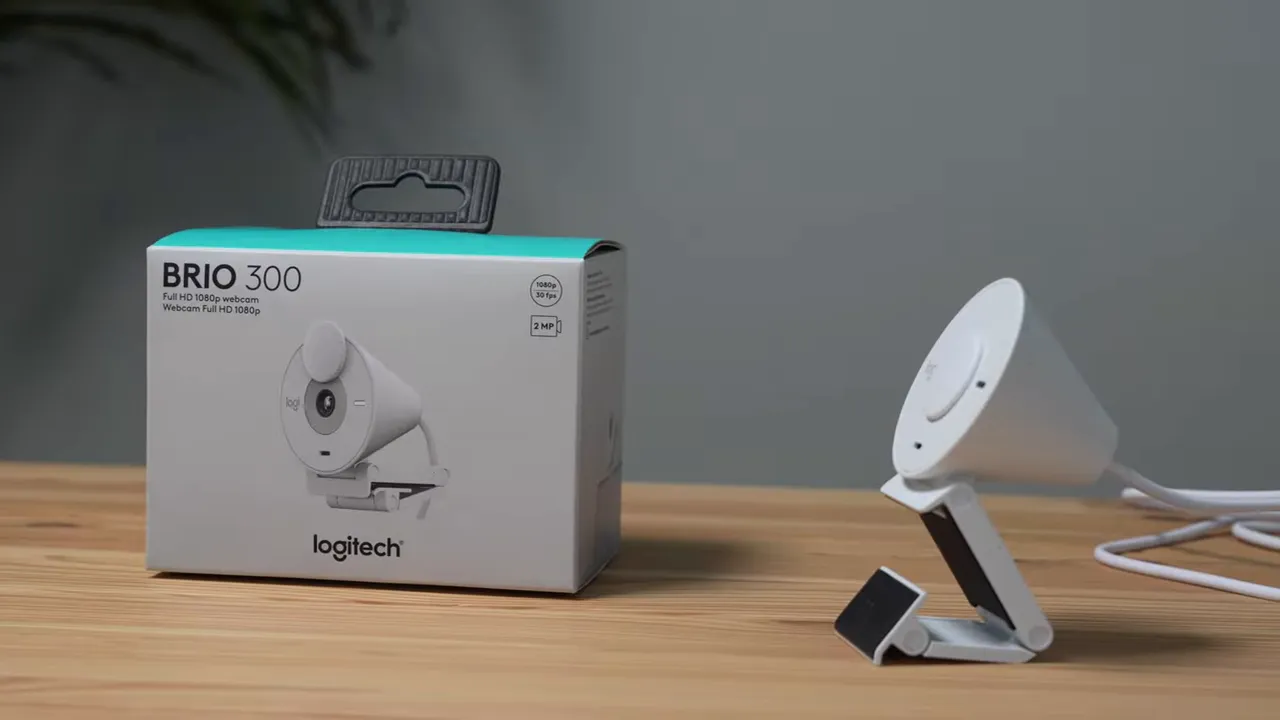
The Logitech Brio 300 is a straightforward, practical webcam aimed at people who want better meeting video without splurging on a pro camera. It records at 1080p, brings Logitech's low-light tech (RightLight 2), includes a physical privacy shutter, and uses recycled plastics in its construction. If you need a reliable webcam for Zoom, Teams, or Google Meet, the Brio 300 delivers the essentials for roughly $70.
What stands out
- 1080p resolution for crisp video in well-lit environments.
- RightLight 2 low-light enhancement to brighten darker rooms.
- Built-in mic with noise reduction to mute background hums like laundry machines or household chatter.
- Privacy shutter you can physically close for total camera privacy.
- Eco-friendly plastics — about 48% recycled material in the body and a textured finish that gives it a distinct look.
Design and build
The Brio 300 has a compact, functional design with a flip-open privacy shutter that sits over the lens. That simple shutter offers peace of mind: when it’s closed you know the camera isn’t sending any image.
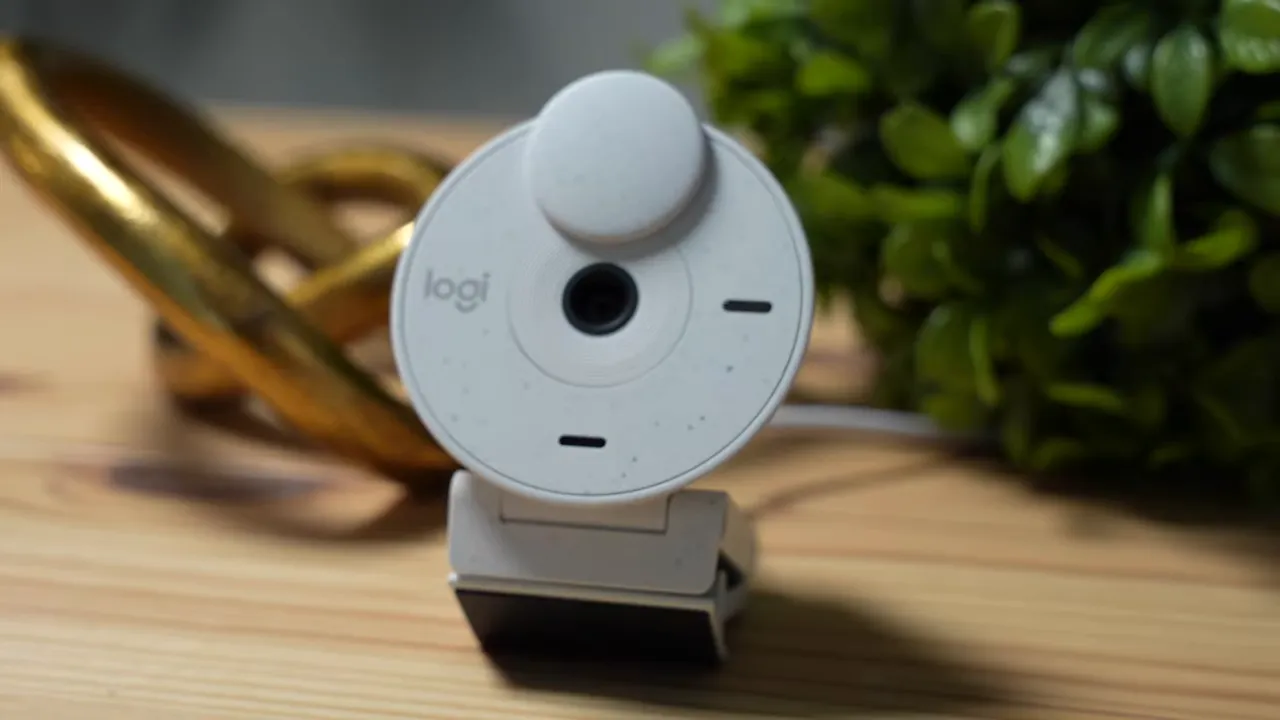
Logitech is also moving more of its products toward recycled materials. The Brio 300 shows this in its textured finish — small speckled dots on the white model give it a slightly more personal, less clinical appearance.
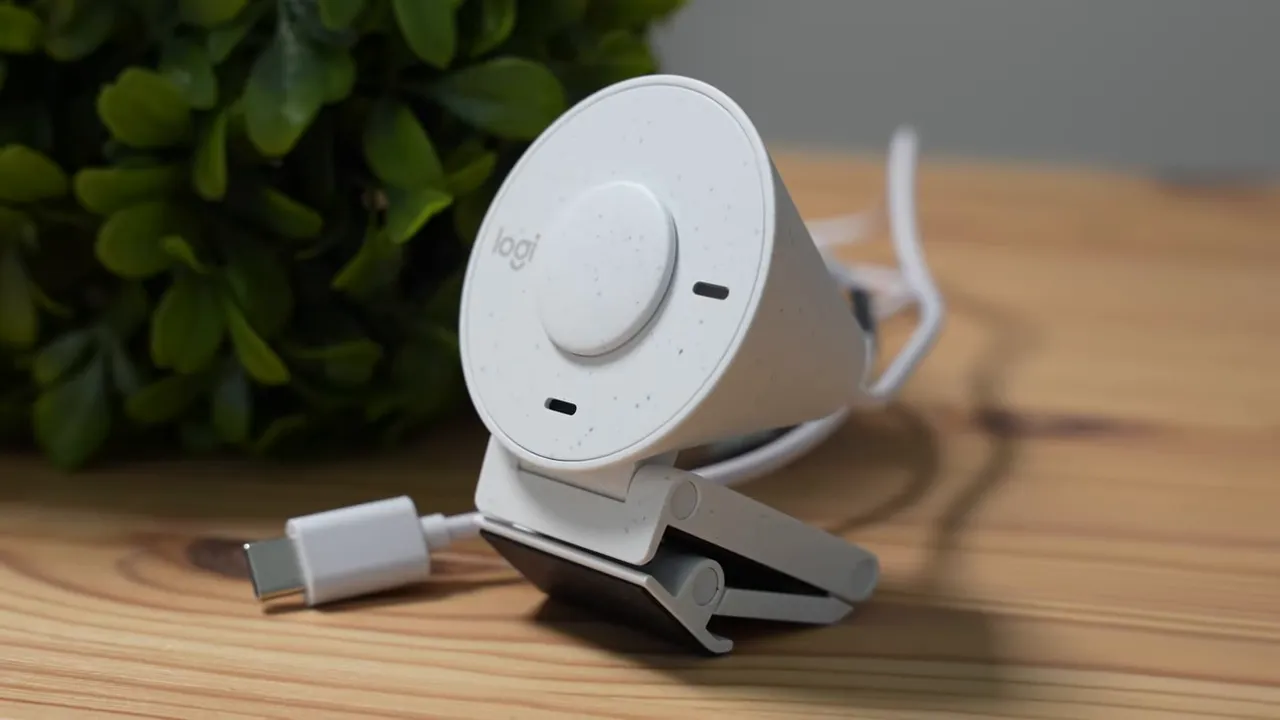
Image and video quality
In bright, controlled lighting the Brio 300 produces a crisp 1080p image that looks clean enough for professional calls. In darker rooms the RightLight 2 system helps a lot, lifting shadows so faces remain visible rather than disappearing into a grainy mess.
Two practical limitations to be aware of:
- Frame rate feels choppy — movement can appear less smooth, with the impression of roughly ~15 frames per second rather than the silky motion of higher-end webcams or dedicated cameras.
- Noise in dark areas — in low light you may notice grain or “noise” in darker parts of the frame, especially on black clothing or backgrounds.

Low-light performance — how good is RightLight 2?
RightLight 2 is effective for typical home-office lighting setups: it brightens faces and reduces strong shadows so you look clearer on calls. It won’t produce studio-level results, but it performs noticeably better than most built-in laptop cameras and many budget webcams.
If you want the cleanest image, pair the Brio 300 with a simple desk or ring light aimed at your face. More light reduces grain and gives the sensor space to capture smoother detail.
Microphone and background noise reduction
The built-in microphone is tuned for meetings. It does a solid job of picking up voice while reducing steady ambient sounds — think laundry machines, fans, or distant household noise. It won’t replace a dedicated headset or USB microphone for podcasting, but for daily video calls it’s perfectly serviceable.
Software: Logitech Tune
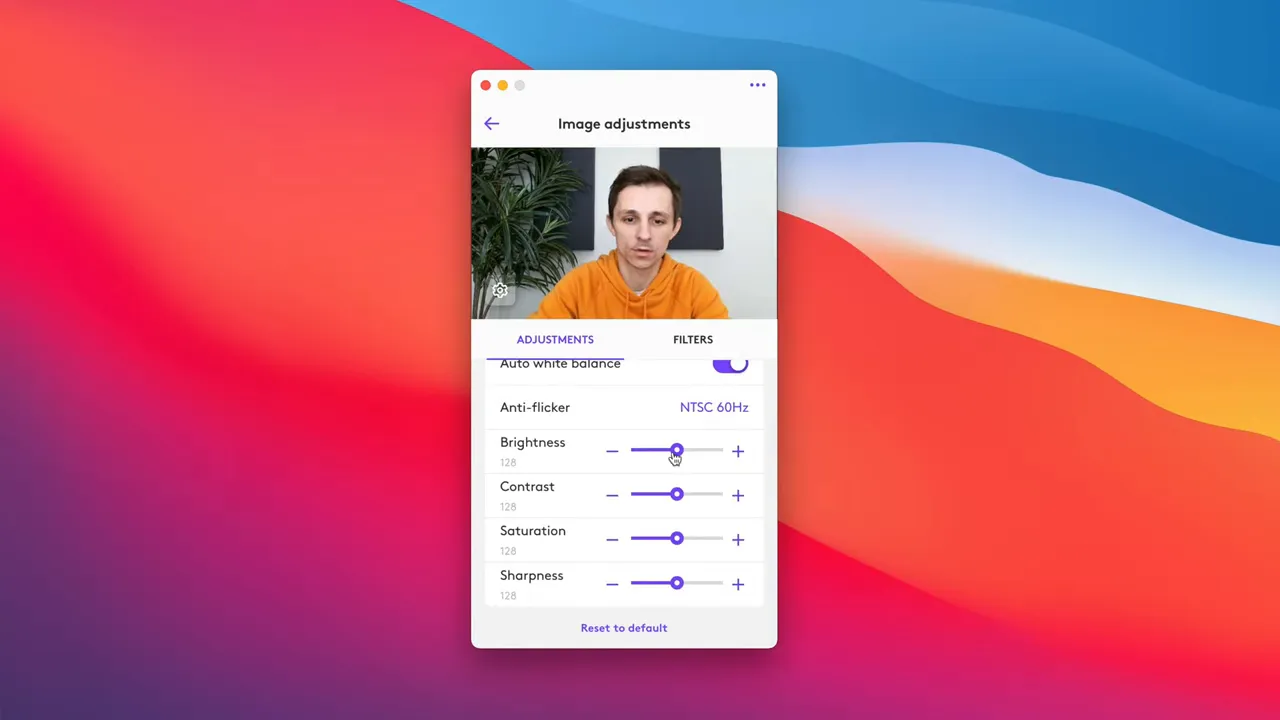
Logitech Tune unlocks customization for color and exposure. You can use preset filters or manually tweak controls like saturation, contrast, and brightness. It also lets you change resolution (1080p down to 720p) if you need to reduce bandwidth.
Who should buy the Brio 300?
- Anyone who wants a clear upgrade from a laptop webcam for meetings and classes.
- Remote workers who need a privacy shutter and decent low-light performance without spending a lot.
- People who prefer an all-in-one solution (video plus basic mic) without adding multiple devices to their desk.
Pros and cons
Pros
- Good 1080p image for the price.
- Effective RightLight 2 for low-light improvement.
- Physical privacy shutter and eco-friendly materials.
- Built-in mic with basic noise suppression.
- Customizable via Logitech Tune.
Cons
- Frame rate can feel choppy — motion is not perfectly smooth.
- Some low-light noise remains in dark areas.
- Not a replacement for higher-end webcams like the Brio 500 if you need top-tier image quality.
Final verdict
The Logitech Brio 300 is a smart midrange pick for anyone who needs reliable, good-looking video and a usable mic for everyday meetings. It balances price and features well: the RightLight 2 low-light boost, privacy shutter, and Logitech Tune customization make it a practical upgrade over built-in laptop cameras. If you want buttery-smooth motion or pro-level image quality, look higher up the lineup. But for most people who just need solid meeting performance at about $70, the Brio 300 is a compelling choice.


