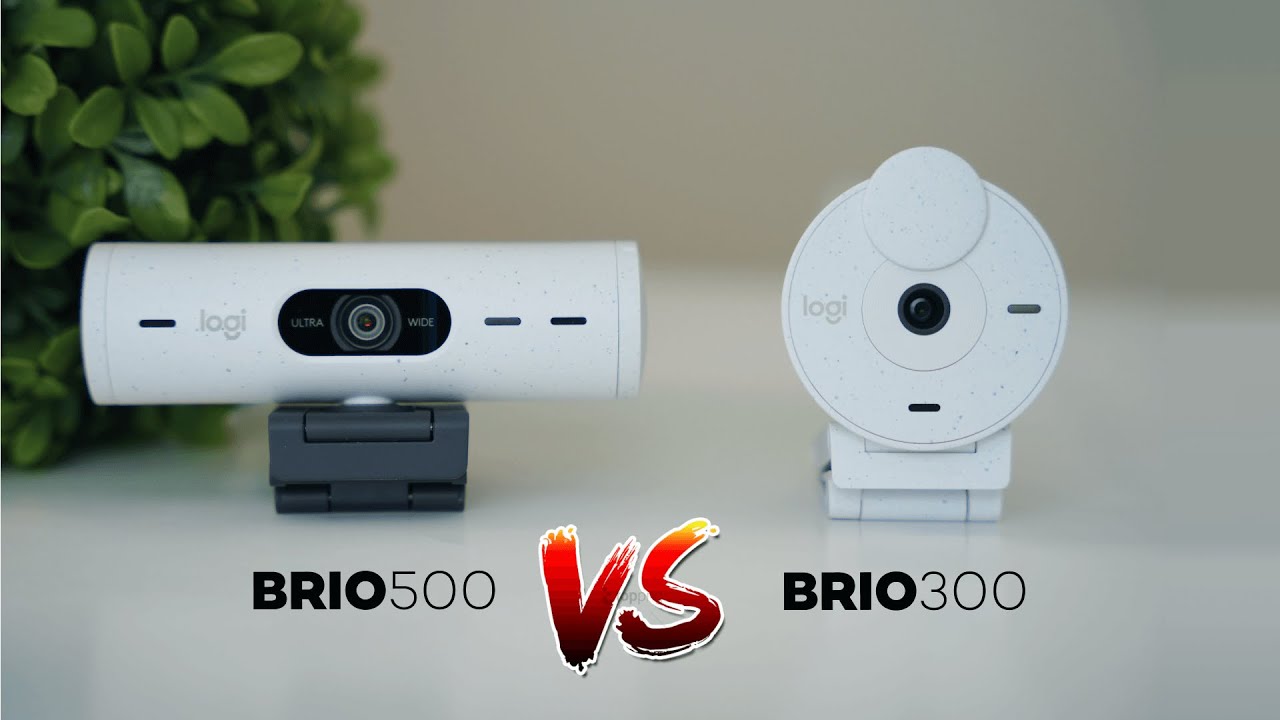
If you're deciding between the Logitech Brio 300 and the Brio 500, the core question is whether the extra features and image quality of the 500 justify the higher price. I tested both out of the box and compared image, field of view, auto-framing, mic quality, and the Logi Tune software experience. Here’s a clear breakdown to help you pick the right webcam for meetings, calls, or casual content creation.
Quick snapshot
- Resolution: Both list 1080p at up to 30 FPS.
- Connection: USB-C only on both models.
- Privacy: Both include a physical privacy shutter.
- Software: Use Logi Tune for settings; compatible across Windows, macOS, and Linux.
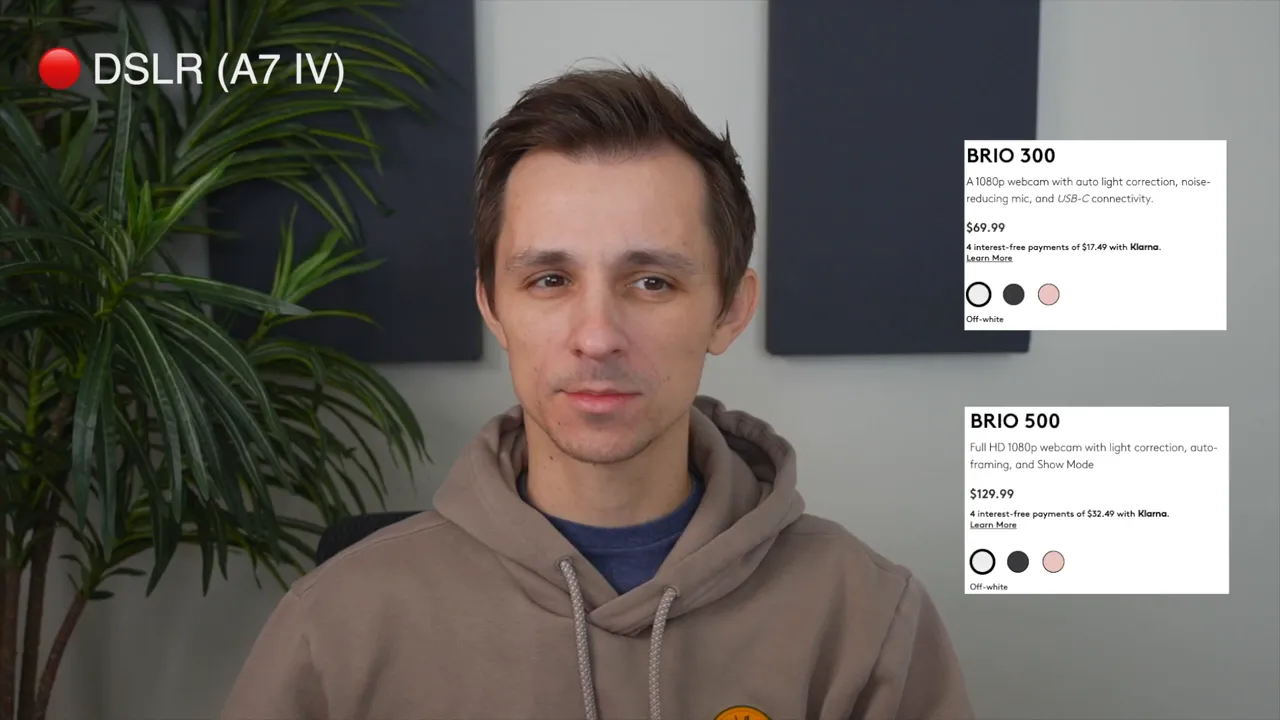
- Price: The Brio 500 sits higher (around $130 at the time of testing) and the Brio 300 is roughly $50 cheaper.
Image quality: Brio 300 vs Brio 500
The Brio 300 gives a usable 1080p image for meetings, but in my tests it often looked overexposed and less detailed. The Brio 500, by contrast, delivered a noticeably crisper image with better handling of lighting.

The official spec for both lists 30 FPS at 1080p, but the Brio 300 felt choppier — closer to 15 FPS in practice — and I couldn’t find a software toggle to force a higher frame rate. If smooth motion matters (for example, animated presentations or more dynamic on-camera movement), the Brio 500 felt more stable and lifelike.
Field of view and framing flexibility
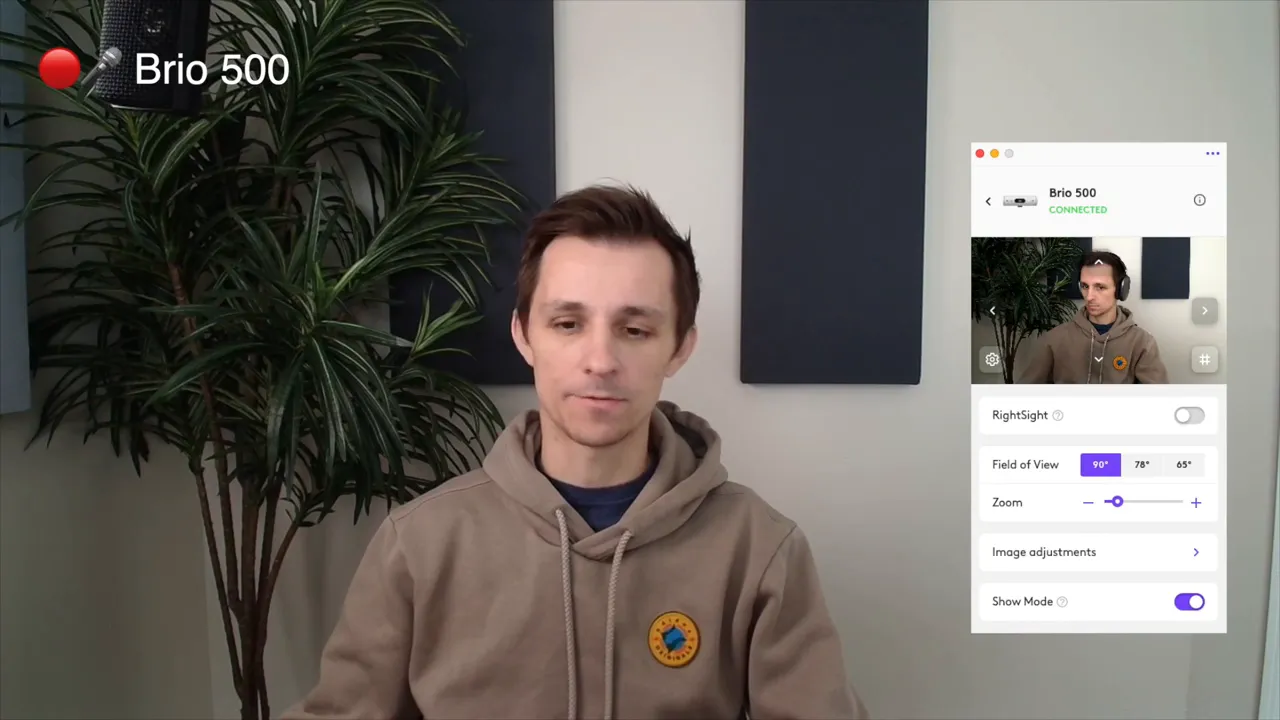
One of the Brio 500’s biggest advantages is adjustable field of view. From wide to tighter framing you can pick between presets (for example, 90°, 78°, 65°) so you control how much of your desk or room is visible.

The 300 is fixed in that regard, so you may end up cropping or repositioning the camera to avoid showing too much background. If you want a more polished look without moving your desk, the Brio 500 makes that easy.
RightSight auto-framing
The Brio 500 includes Logitech’s auto-framing (RightSight) feature that keeps you centered as you move around. It works well and keeps your face targeted even when zoomed in, but it can feel distracting during meetings because the camera is constantly adjusting. There are sensitivity and zoom-out settings that let you tone the behavior down.

Audio: built-in microphones
Both webcams include built-in mics that are fine for meetings and quick calls. They’re not studio-grade — they don’t replace a dedicated USB/XLR microphone for streaming or content production — but they’ll get your point across in most conference calls.
Software, compatibility, and ports
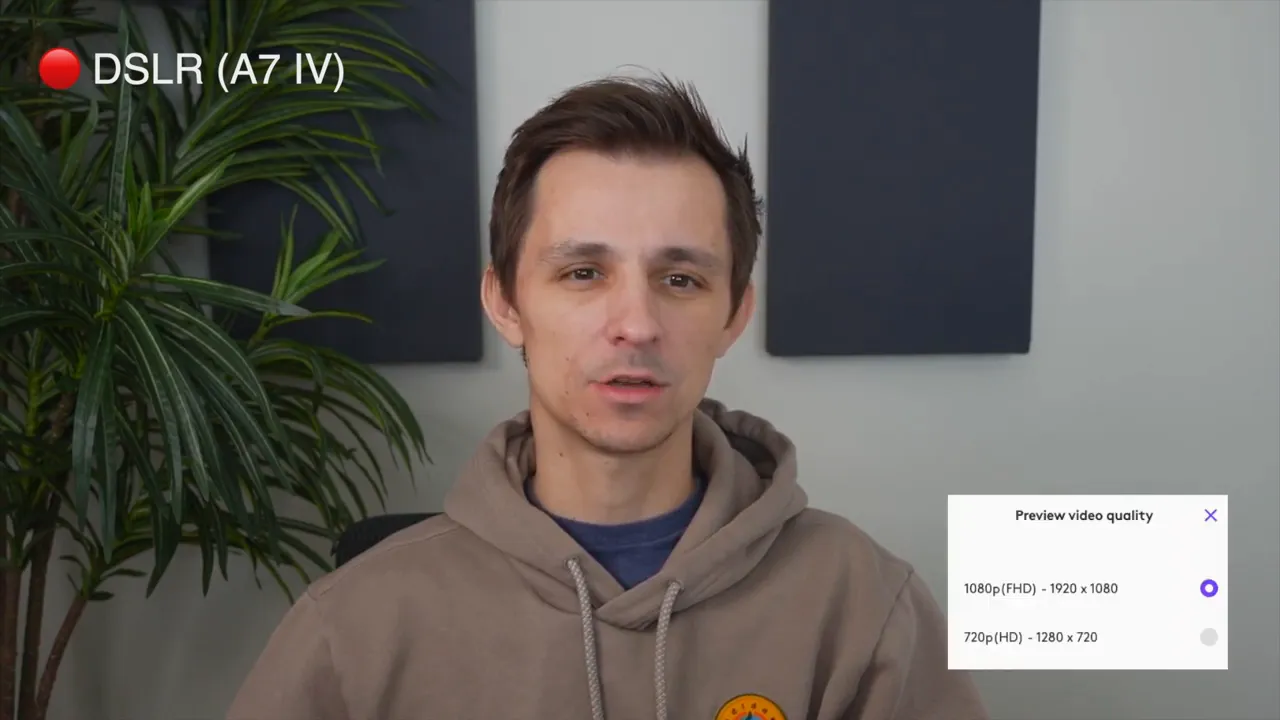
Both cameras use the Logi Tune app for exposure, filters, resolution, and other adjustments. The app is available across major platforms. Keep in mind both models are USB-C only, so check your computer’s available ports or use a reliable adapter if needed.

How I tested
Both units were set to full auto with no manual tweaks. Tests included comparing exposure, clarity, field of view, and auto-framing behavior. For reference I also compared both webcams to a Sony A7 DSLR to show the difference between a webcam and a production camera.
Feature comparison (at a glance)
- Brio 300: Basic 1080p webcam, privacy shutter, USB-C, good for budget meetings and calls.
- Brio 500: Improved image processing, adjustable field of view, auto-framing (RightSight), privacy shutter, USB-C, better for people who want a more polished meeting presence.

Who should buy which
- Buy the Brio 500 if you want sharper image quality, adjustable framing, and RightSight auto-framing. It’s worth the extra money if you want to look better in meetings and have a webcam that feels a bit more future proof.
- Buy the Brio 300 if you are on a tight budget and only need a functional webcam for basic calls where top-notch image quality isn’t important.
Final verdict
The Brio 500 is the better overall choice for most people who care about how they appear on camera. It offers clearer visuals, more control over framing, and auto-framing features that are useful when used sparingly. The Brio 300 will do the job for casual meetings or a tight budget, but image and motion quality lag behind the 500.
Bottom line: If you can spare the roughly $50 difference, the Brio 500 is the smarter pick for a more professional and flexible webcam experience. If price is the deciding factor and you only need plain functionality, the Brio 300 will cover the basics.